
Capacities
Summary
Capacities is designed for individuals, it’s a flexible text-first workspace that combines simple note-taking with lightweight organisational features.
It is not designed for Business use where Team Collaboration is required.
Capacities does not use regular file types and it does not organise content via the usual file management folder type structure.
At it’s core is what Capacities refer to as ‘Objects’. Objects can have different characteristics, for example Object types for People, Books, Projects will all be different.
You select an Object type and give it a Title. All of those Objects, sit underneath that Object type in your Main Menu.
Learning Curve: Easy
Building Blocks
Objects: A range of standard Objects such as People, Organisations, Places, Book, Projects, Files + more are available to use as is, or adapt, or you can create your own from scratch.
Objects can have different Properties added to them, they can also have different views and filters applied within their Settings Menu.
Properties: Objects have a Properties tab for structure: Properties are fields like a Date, Selection Choices (single / multiple), Values, Text, Links, Tags, Banner Image etc.
Tip: If you include a Date Property, this Object type will also be available to select from the Calendar, Daily Note
Content: Objects have a content tab for your notes: Block types like Headings, Text, Bullet Points, Tick Boxes, Images, Tags, Tables etc. are available. You can also create Template(s) for your Objects Content notes.
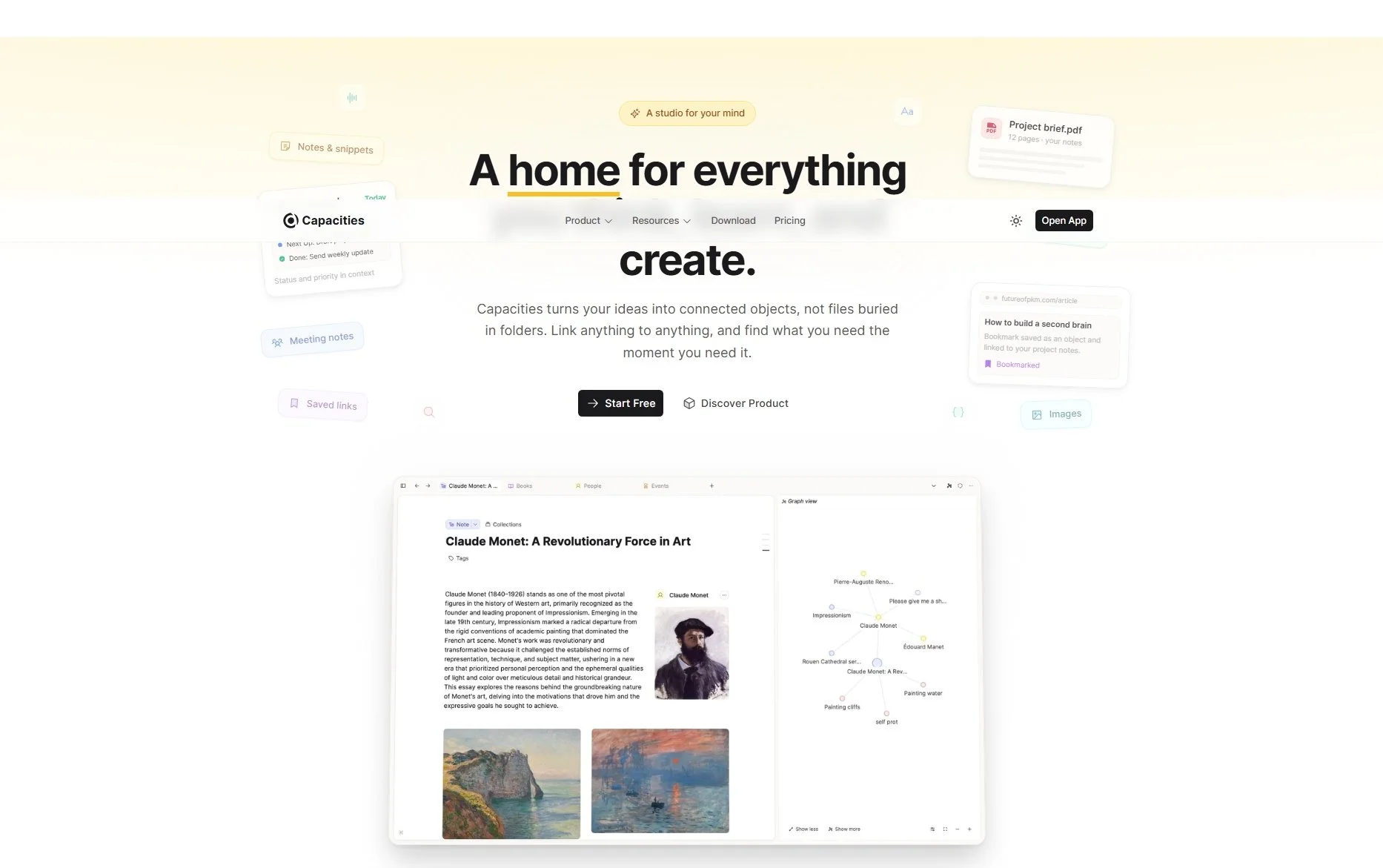
Graph: Objects also have by default a graph tab: This shows the current Object and any others it is linked too, plus links that those Objects have.
Calendar: Separate from the Objects is a Calendar. This has two tabs, Daily Note & Time Line.
Daily Note, this is similar to the Content area of an Object and the same block types such as Headings, Text etc are available.
Time Line, this is clever and has different sections. You can select an Object type (if it has a Date Property) it will open the object and apply the Calendars date.
It then also has three further sections, it lists automatically Events, Date References and Created on this Day. So any Objects that reference or were created on that day are shown with a Backlink and will also show in the Graph.
Features
Linking is effortless: create connections between your Objects via a Property type (e.g. link a Person Object to an Organisation Object) or within the Content area. This builds a web of interrelated topics, Capacities makes this easy to do, even if the other Object doesn’t exist yet! These relationships are visible in the default Graph, Objects within the graph can be opened from the Graph view.
Search is straightforward and fast, there are multiple ways to surface past notes, tagged items, properties.
Capacities excels when you want a quick, human-readable journal or knowledge map with basic metadata and rapid linking.
Back to the Connected Hub overview page.