
Notion
Summary
Notion’s target audience is primarily Business, various Business plans are available for team collaboration, from small teams to enterprise level.
Notion is a well established software platform, its strengths are many, but team collaboration and integration with other software are probably the core features.
In a Business scenario, think of it as a front end, linking in information from other software systems. A Sole Trader or small business could run most of their administration via Notion, possibly not their Accounts, but CRM’s, Brand Assets, Documentation (and basic document management), Tasks & Projects, Marketing, Knowledge Wikis, Public facing pages + more.
But Notion it is also widely used by individuals. Aardelia’s digital products are designed for Notions very generous Free Personal Plan and our templates are designed around mobile phone use.
Notion is a database-driven platform designed for structured information management and dashboards.
Building Blocks
Pages: Simple pages that can hold different content, Headings, Text, Images, Tables, Databases etc.
Databases: Databases are comprised of records, for example a daily Journal with Health Markers, Health Markers recorded via Properties.
Records: A record consists of Properties, e.g. Date, Drop Down Selection, Check Box, Values, Formulas, Linked Field (other database), Banner Image etc.
Content: Like Capacities you also have a content area with each record where you can add notes, this also has various block options for content.
And like Capacities you can also set Templates for the Content area of a record, to maintain consistency. For example an outline for the notes of a meeting.
Features
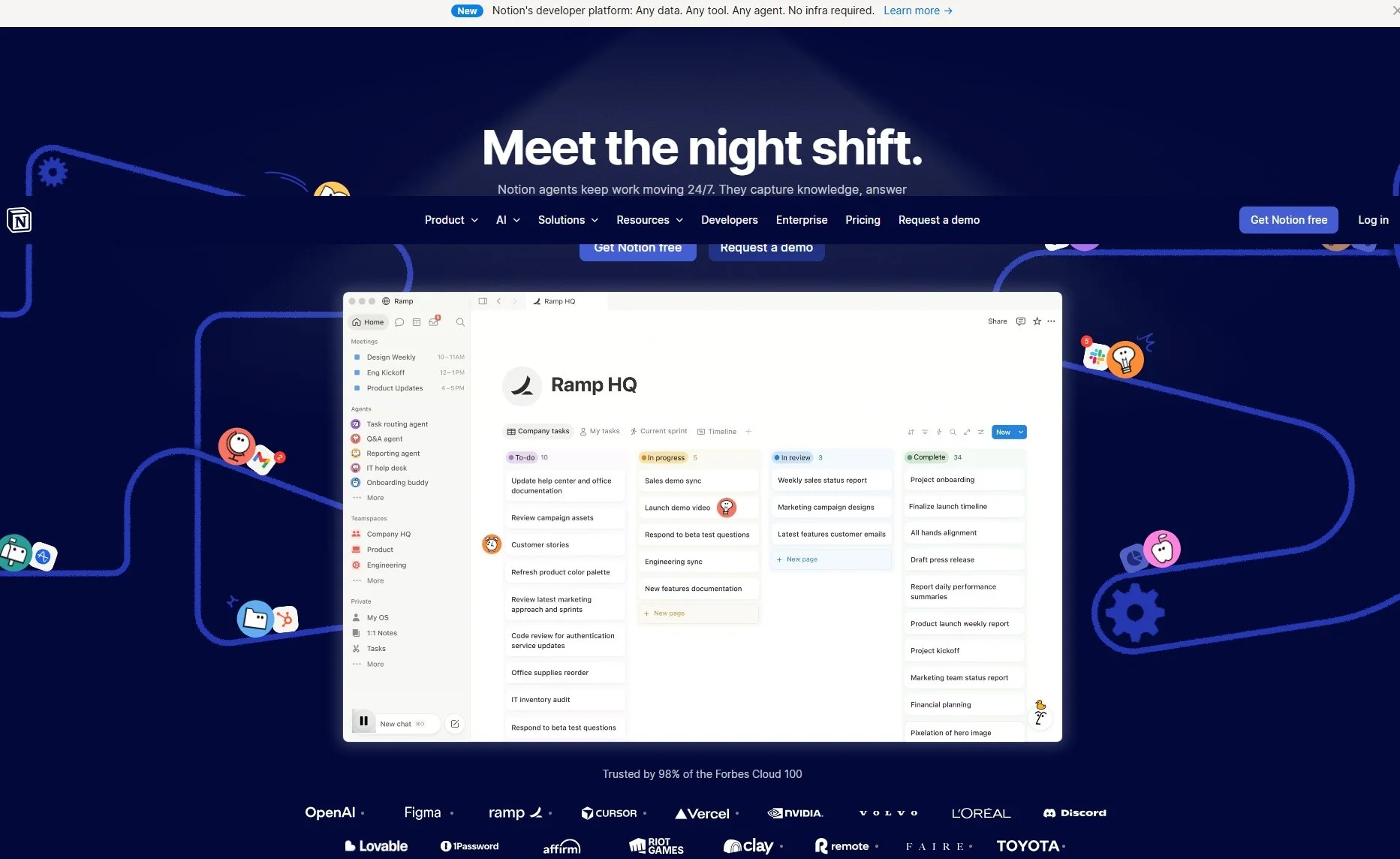
There are different database view types such as Tables, Lists, Boards, Galleries etc.
These views show the properties of records and can be filtered, sorted and displayed as multiple extracted views.
The views can also be added to different pages, for example to create a Dashboard to summarise information from various Notion databases within your workspace.
You can create explicit database relationships (linked records), rollups and calculated fields, allowing aggregated or computed data across connected items.
It is more suited to building repeatable systems, project dashboards and multi-view reports where structure, relational data and simple maths or rollups are required.
Learning Curve: Steep when compared to Capacities
Back to the Connected Hub overview page.