Welcome Mark Corkin Welcome Mark Corkin

Introduction

Premium Journals and Information Hub

Connected Health Journals

Thank you for signing up to Aardelia’s Premium journaling system.

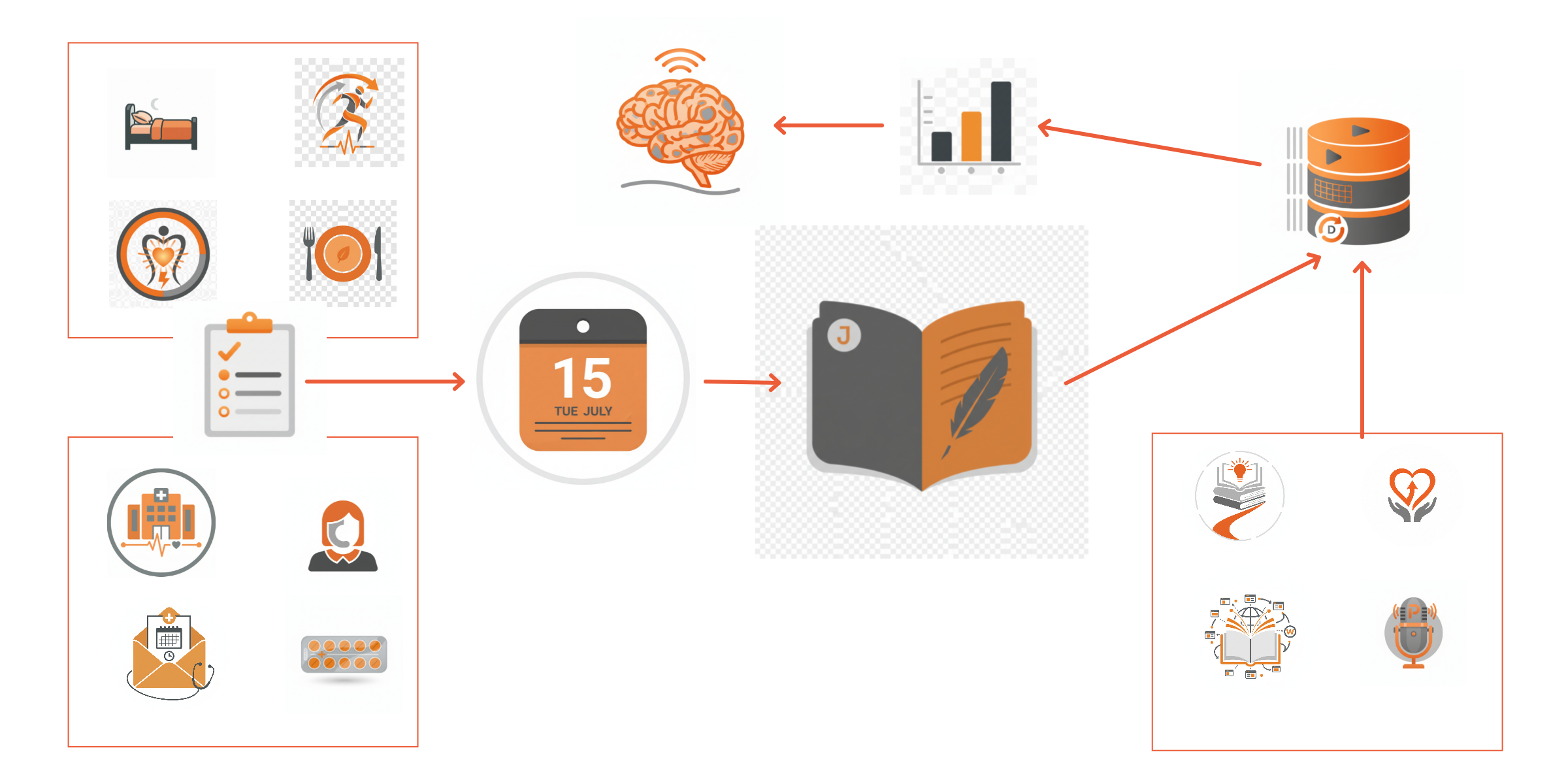
Within this set of pages, you can learn more about using either the Capacities or Notion software Platforms. By accessing this area you have access to Aardelia’s Capacities Blueprint and / or our Notion Template. If undecided you could try both and see which you prefer.

You will find everything you need within these pages to start your own Hub, including creating Contacts, Appointments, Medication and Journal entries, creating your own knowledge hub as well as nutritional data insights - all of which can be resurfaced easily.

Choose between:

1) A Capacities Blueprint - with easy to follow instructions, you can build your own complete system in no time. With the fundamentals covered within our build instructions, you’ll soon pick up the basics of Capacities and have enough knowledge to make the system your own.

Or

2) A pre-built system using Notion software. The databases and their properties are pre-designed, along with various views to review your data / information. Simply use our Notion code to create a duplicate of our system into your own Notion Workspace. The database properties and views can be amended / expanded at a later date by yourself. However, I must point out that the learning curve for Notion is steep when compared to Capacities.

Both Capacities and Notion are software platforms where you can design and build your own systems.
Aardelia’s Blueprints and Templates are just that, system templates, which can be amended and expanded.
You do not have to use all of the features, this is your system, so record the information you feel is relevant to you.
You will also need a Free Personal Plan with Capacities or Notion (or both if you wanted to experience both systems). Aardelia’s Connected Health Journals are designed for their free plans, with this in mind please also see our disclaimers (located within the Footer Section - Aardelia’s Policies).

  • Capacities

    Capacities is designed for individuala and is flexible text-first workspace that combines simple note-taking with lightweight organisational features. You start with, what Capacities refer to as ‘Objects’.
    Objects are a container for your notes, Objects have properties for structure and a content area. Objects are structured for a records characteristics such as People, Organisations, Books, Images, Projects etc. The content area can include different block types such as Headings, Text, Bullets, Tick Boxes, Images, Tables, etc. All entries are plain text with automatic date stamps.
    Linking is effortless: create connections between notes and Objects to build a web of interrelated topics, (a graphical image of these links can be viewed and used to open related topics).
    Search is straightforward and fast, making it easy to surface past notes, tagged items or properties. Capacities excels when you want a quick, human-readable journal or knowledge map with basic metadata and rapid linking.

    Notion

    Notion is a database-driven platform designed for structured information management and dashboards. Content is organised around databases (Tables, Lists, Boards, Galleries & Calendar are standard view types) these can be filtered, sorted and displayed as multiple extracted views.
    You can create explicit database relationships (linked records), rollups and calculated fields, allowing aggregated or computed data across connected items. It is more suited to building repeatable systems, project dashboards and multi-view reports where structure, relational data and simple maths or rollups are required.
    Notion’s target audience is Business, paid Business plans for team collaboration but it is also widely used by individuals.

    Summary

    Choose Capacities for fast, text-centric note capture, easy bi-directional linking and simple metadata. (No mathematical functions are available on Capacities free plan).
    Choose Notion when you need structured databases, relational modelling, multiple extracted views and built-in calculations for more formal workflows.

  • The nutritional data on these pages is designed to assist you with your food choices.

    Software

    The tables are presented using SeaTable, Seatable is a German based ‘no code’ software solution, think spreadsheet meets database. (No code, is the term applied where a user doesn’t need to use coding, but their system enables a user to build using basic design building blocks, drag and drop as well as AI assistants may also feature. Notion, Capacities and Squarespace [this website] are similar no code software examples as we use their pre-defined blocks to help build structure).

    Data

    The nutritional data is publicly available. McCance and Widdowson’s The Composition of Foods Integrated Dataset 2021 (CoFID), published by Public Health England.

    Aardelia has reduced the dataset to under 500 records, the published datasets includes just under 3,000. However these records include products cooked in different ways (fried, grilled, baked etc.), home made recipes or takeaway products (no recipe ingredients provided). Therefore our curated list focusses on raw, whole foods and often foods that do not come with a food supplier label.

    CoFID data is per 100g or 100ml of product. Analysis includes the weight of macro and micronutrients in grams or milligrams. Weights can be an important factor in your decisions, your recovery / ongoing guidance maybe to increase or decrease your consumption of certain macro or micronutrients, such as Protein.

    Why CoFID?

    The CoFID data is based on independent food analysis, and not based on food supplier labels. I feel this is a very useful dataset to include as EU / UK rules around food labelling must allow for a Tolerance. The Tolerance is designed to cater for seasonal changes, changes in manufacturing, mixed ingredients supplies etc., and it would be unreasonable for every food product to be tested. Indeed the CoFID values can be used as the base data for food labelling. The allowed tolerances do vary, but they can allow up to 20%.

    Atwater Convention

    The Atwater Convention is a commonly applied formula (widely used in the NHS etc) which creates a Calorific value based on the weight of Protein, Carbohydrates and fat.

    The kcal for each is determined by Atwater is:

    • Protein (grams) x 4 = Protein kcal

    • Carbohydrate (grams) x 4 = Carb kcal

    • Fat (grams) x 9 = Fat kcal

    Balance Value

    We have then used this data to arrive at a ‘Balance’ percentage value for each of the 3 macros. An example of the formula is:

    • Protein kcal / sum(Protein kcal + Carb kcal + Fat kcal)

      This gives you the Percentage of Protein in calories of the food item. We have used this field to use when sorting High to Low for a particular macro.

    This ‘Balance’ type value can be useful where diets, for example a Mediterranean type diet, may suggest a ratio of Protein - Carbs - Fat.

    Traffic Light Indicator

    The following columns are colour coded to match the EU / UK food labelling traffic light system.

    • Saturated Fat

    • Total Sugars

    • Salt

    Notes

    Important Note: If you wanted to apply this to a recipe, you would need to firstly weigh each ingredient portion, to arrive at total weights in grams for the 3 macros and then apply the Atwater formula for each macros calories and then the Balance formula.

    Another Important Note when analysing the nutritional data, is that there are some omissions (not available, missing data) within the CoFID extract. An example is lager, no carbohydrate value is listed (not available), therefore the balance formula will be incorrect and any sorting based on the ‘Balance’ value can be misleading. If a value exists for all three macros, Protein, Carbohydrate and Total Fat, all formulas and resulting sorting is accurate.

  • Both Notion & Capacities software are ‘Cloud’ based.

    Both software providers use industry-standard protections for your data while in transit and at rest.

    Both use encryption and security controls to protect your information, and you retain ownership of the content you enter.

    Capacities, as an EU-based provider is subject to GDPR and its strong data‑protection requirements.
    Notion is US‑based and operates under US legal frameworks (which differ from the GDPR and can offer different - not necessarily weaker in every respect - protections depending on the specific law or context).

    With either platform you can export your content data for use elsewhere if you wish to do so. Allowing you to migrate your information to another platform at any time (refer to their guidance on what can and will not migrate over upon export).

    Important Note

    Personal Identifiable Data

    The security of your data is paramount for both companies and the ‘Cloud’ providers that they utilise, as is the same for Apples iCloud, Microsoft Cloud and Google Drive which you may already use.

    However these services DO NOT have the same security systems as the NHS or your NHS App. If we take Notion as an example, although all data at rest and in transit complies with AES-256 and TLS 1.2+ respectively and it has SOC Type II & ISO 27001 Certifications. It is not HIPAA compliant and does not sign Business Associate Agreements (BAA’s - a requirement for Health data processing in the USA) and it does not offer NHS DSP Toolkit compliance for the UK.


Back to Journals home page.

Read More